Best Learning App for a 4-Year-Old and 6-Year-Old in One Account
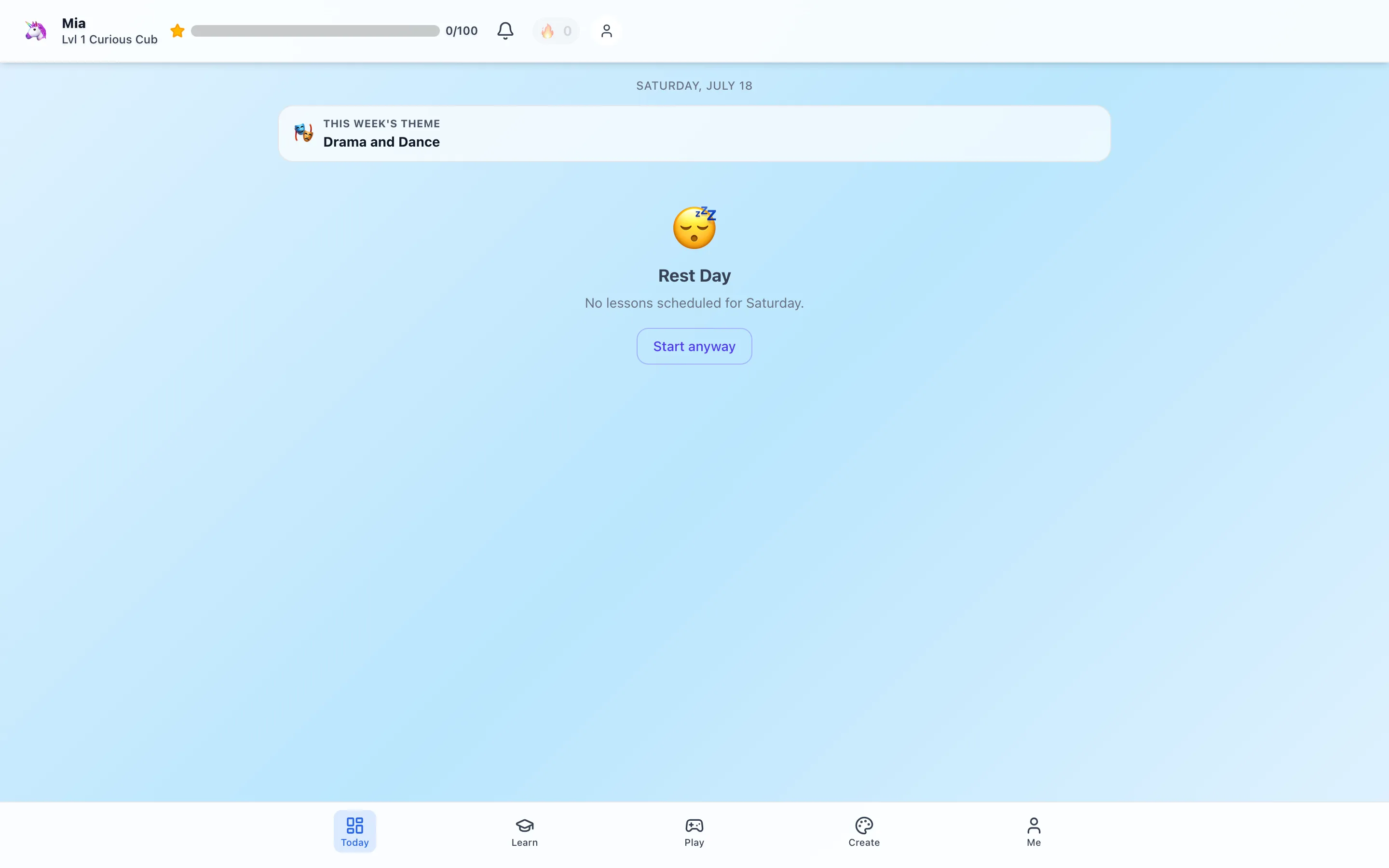
Trial offer update — September 17, 2026: HomeSchool.You's Summer Welcome Special offered a 7-day free trial with no credit card required, valid through September 15, 2026. That special is no longer active. New standard signups now receive a 3-day free trial with a credit card required upfront. The selected plan bills automatically when the trial ends unless canceled beforehand. Existing users keep their already-promised trial terms. See current plans and trial terms.
If you have a 4-year-old and a 6-year-old, “best learning app” is really a family-system question. The younger child may need audio, pictures, short turns, and movement. The older child may be ready for phonics, number sentences, simple reading, and more independence. The parent needs one place that does not turn into two subscriptions and two disconnected dashboards.
Our honest answer: HomeSchool.You is a strong one-account option when you want broad early-elementary curriculum, games, languages, hands-on work, and parent records together. It is not the best fit when the deciding requirement is a live teacher, an accredited school, or curriculum beyond about age 10.
This is a first-party guide, so we will show what is actually inside and link to the underlying catalogs rather than ask you to trust a feature checklist.
The fast comparison: what changes between age 4 and age 6?
| Need | A typical 4-year-old | A typical 6-year-old | What the app should do |
|---|---|---|---|
| Reading | Sound play, picture vocabulary, listening | Phonics, sight words, sentences, early comprehension | Reduce reading load for Pre-K; increase decoding and meaning work for kindergarten |
| Math | Counting real objects, shapes, comparing amounts | Addition stories, number lines, place value, time | Move from concrete play toward symbols without abandoning manipulatives |
| Session | Short, guided, movement-heavy | Short but increasingly independent | Offer natural stopping points instead of an endless feed |
| Feedback | Encouragement and modeling | Immediate feedback plus a chance to explain | Avoid treating a score as the whole learning story |
| Parent role | Set up and join many activities | Preview, observe, then step back when ready | Make expectations visible before the child starts |
Age labels are only a starting point. A 4-year-old may be decoding; a 6-year-old may still need picture and sound support. The useful question is whether the product lets the parent choose the right level without making either child feel “behind.”
What one HomeSchool.You account contains
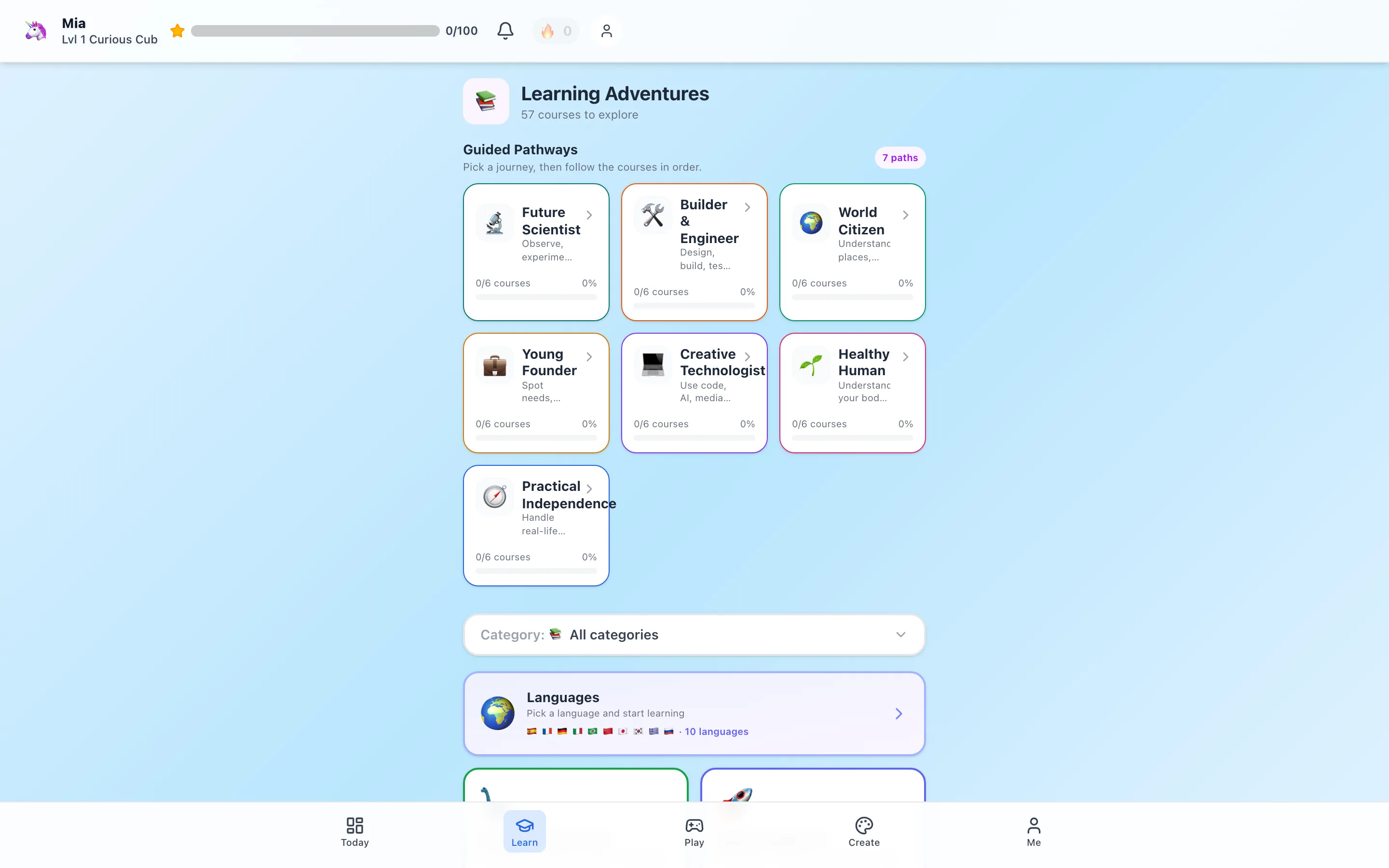
The current default catalog includes:
- 57 courses and 1,062 lessons across a broad elementary program
- 575 activities with separate age-level versions
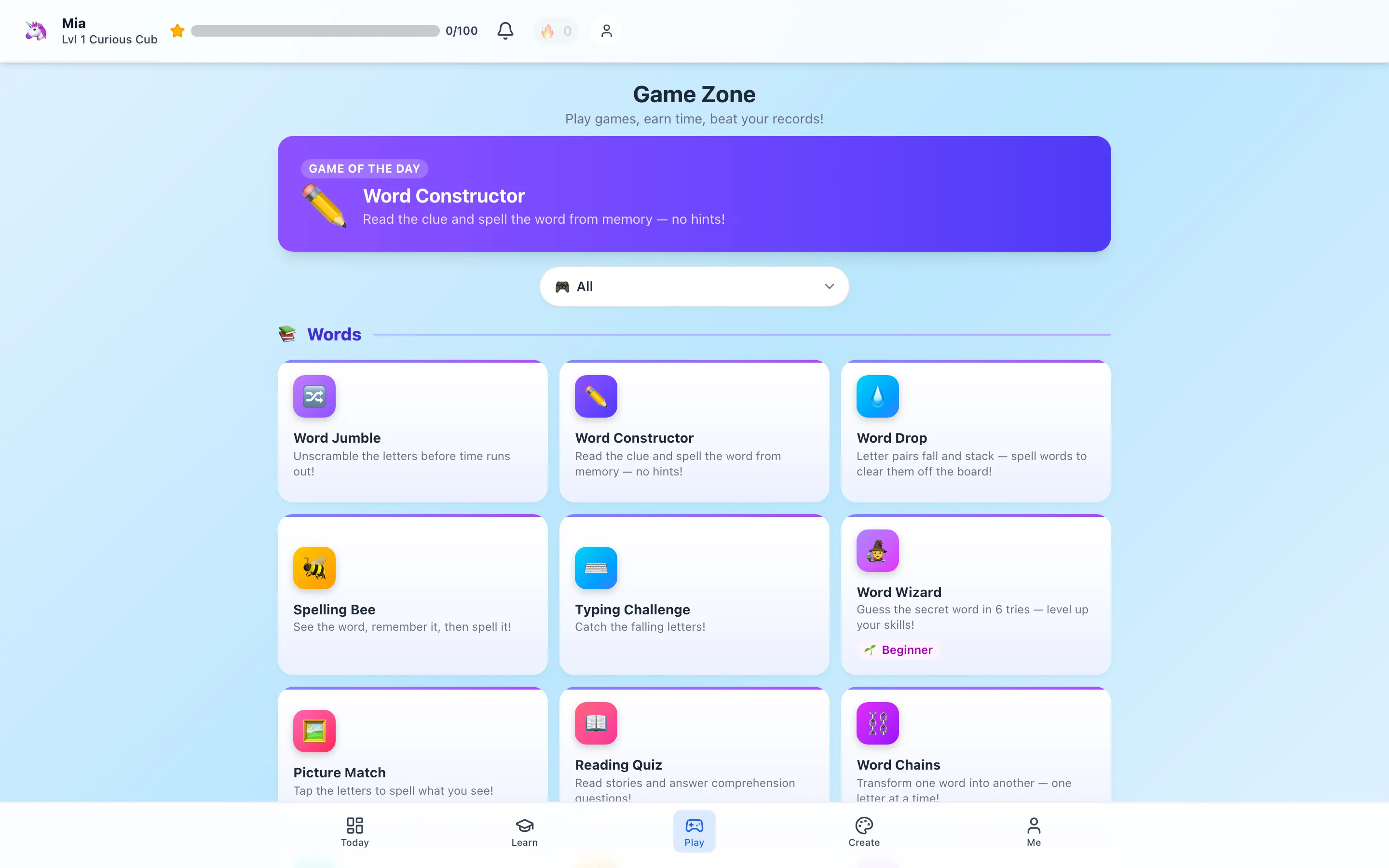
- 84 named games across literacy, math, science, quizzes, creativity, business, trades, wellness, and parent-timed arcade play
- 10 language programs with audio-supported practice
- Art and music studios, 541 park field trips, and 150 careers to explore
- Parent-managed attendance, progress, annual-report, portfolio, and transcript-style records
The Family plan is $20 per month for up to four children after a 3-day card-required trial. Each child has a profile, so progress does not need to be shared just because the subscription is.
A good starting path for the 4-year-old
For a Pre-K learner, we would start with experiences that work before fluent reading:
- One very short narrated lesson. The Hearing the Sounds in Words sample shows the actual Pre-K fact and question style.
- One concrete activity. Shape Scavenger Hunt turns the room into the lesson. Sink or Float asks for a prediction, a real test, and observation.
- One picture, sound, or counting game. Picture Match, Phoneme Blender, and Basket Counter have clearer early-learning roles than a generic arcade reward.
- Optional language listening. The Number Board and audio flashcards can be used by a pre-reader with a parent nearby.
The goal is not to keep a 4-year-old on the device for a school-length block. The screen can introduce the task and then get out of the way.
A good starting path for the 6-year-old
A kindergarten-age learner may be ready for a little more sequence and independence:
- A lesson with a visible objective. Counting Things You Can See exposes the actual facts and a sample check-for-understanding across four levels.
- An age-adapted application. Number Line Jump uses movement; Place Value Skyscrapers uses physical tens and ones.
- Targeted practice. Sentence Puzzle works on word order, Sight Word Builder on recognition, and Math Racer on choosing correct answers under light time pressure.
- A child-created output. Drawing an explanation, reading it aloud, or saving a project gives the parent better evidence than a completion badge alone.
The strongest sibling use case: one topic, two versions
The most efficient homeschool day is often not two separate schools running at the same time. Pick one shared theme—weather, animals, shapes, food, maps—and adapt the work.
For example, both children can do Kitchen Volcano:
- The 4-year-old can name the materials, watch the reaction, and describe what changed.
- The 6-year-old can make a prediction, compare the result, and begin using cause-and-effect language.
The public activity record shows the separate steps and objectives before you start. That is more useful than a product page that says only “personalized learning.”
Where games fit—and where they do not
HomeSchool.You separates educational games from arcade-category games. Arcade play uses a daily budget controlled by the parent. A literacy game or 3D lab is not charged against that arcade budget.
That distinction matters, but the label “educational” should still be tested. Ask:
- What does the child actually do?
- Which skill is practiced?
- Does the difficulty match the child?
- Is there a natural stopping point?
- Can the child use the idea away from the screen?
Our complete game catalog answers those questions game by game and labels entertainment honestly.
What parents can see
Separate profiles keep each child’s activity and progress organized. Parent tools can summarize subject activity, attendance generated from platform work, portfolios, and annual records. Parents remain responsible for reviewing and adding learning that happened outside the app.
HomeSchool.You is not an accredited school and does not issue official credit-bearing transcripts. For a 4- and 6-year-old, the more useful record is usually a simple picture of what they did, what they made, and what should come next.
When another option is better
Choose or add another provider if you need:
- A live teacher or scheduled class
- An accredited school or official credit-bearing records
- Middle- or high-school coverage
- Intensive specialist intervention for dyslexia, speech, occupational therapy, or another diagnosed need
- One narrow subject taught more deeply than an all-in-one elementary platform can offer
Free products can also be the right answer when budget is the deciding factor. A paid family platform earns its place only if the combined workflow saves time and the children actually use it.
Our recommendation
Do not decide from the homepage. Open a Pre-K lesson and kindergarten lesson, inspect two activities, and choose one game for each child. Then use the 3-day card-required trial with both profiles.
If the 4-year-old can participate without constant screen-reading, the 6-year-old gets an appropriate next step, and the parent dashboard reduces rather than adds work, it is a credible fit. If not, cancel before payment and use what the test taught you.
Frequently asked questions
Can a 4-year-old and 6-year-old use the same HomeSchool.You account?
Yes. The Family plan covers up to four children, with a separate profile and age band for each learner. The same catalog can present different lesson facts, questions, and activity instructions by age.
Is HomeSchool.You the best app for every 4- and 6-year-old?
No app is best for every child. HomeSchool.You is strongest when a family wants courses, age-adapted activities, learning games, languages, creative studios, and parent records in one account. Families needing live teachers, accreditation, or older-grade coverage should choose another provider or add one.
Does a child need to read independently?
No. Pre-K experiences use narration, pictures, audio, tap interactions, movement, and parent-child activities. Some games still require motor control or early reading, so parents should preview individual choices.
Are the two children forced to do the same lesson?
No. Each profile can follow its own daily work and progress. Families can also choose a shared topic and use the separate Pre-K and kindergarten versions of the same activity.
Is there a free trial?
Yes. The 3-day trial requires a credit card upfront, so both children can test the real product before the family decides. Your selected HomeSchool.You plan bills automatically after the trial unless you cancel before it ends.