Best Outdoor Learning Apps for Homeschool Families in 2026
The best outdoor app is not the one that keeps a child staring at the phone in the woods. It should help the family choose a place, notice more while there, and then get out of the way.
We build HomeSchool.You, so our product is included and ranked first for a specific use: an integrated outdoor homeschool workflow for families with children ages 3–10. It is not the official source for closures or maps, and it is not always the right specialist tool. We name those boundaries throughout.
The short list
| Rank | App | Best for | Cost model | Main limitation |
|---|---|---|---|---|
| 1 | HomeSchool.You | Park discovery + family planning + homeschool follow-through | $20/month for up to 4 children | Ages 3–10; not an official conditions source |
| 2 | National Park Service app | Official national-park information and offline park content | Free | Not a homeschool curriculum or shared child wishlist |
| 3 | Seek by iNaturalist | Free family-friendly organism identification | Free | Identification can be wrong; limited lesson structure |
| 4 | Wilder | State nature lists, species identification, and journaling | Check current app listing | Narrower homeschool and records workflow |
| 5 | Nature Quest | Quick, ready-made nature scavenger hunts | Check current app listing | More generic than place-specific park guides |
| 6 | Your camera + notebook | Unstructured observation with no platform dependency | Usually free | Parent supplies all prompts and organization |
1. HomeSchool.You — best integrated outdoor homeschool app for ages 3–10
HomeSchool.You starts before the trip. Children can browse a catalog of 541 national, state, and local parks across all 50 states. When a child hearts a park, the parent receives an in-app alert and the choice appears in that child's Travel Wish List. The family can then decide where to go together.
Each park record includes:
- 8–10 observations tailored to the actual place;
- park history, unique features, trivia, and narration;
- a printable guide for screen-light visits;
- age adaptations for children roughly 3–10;
- a park passport and visit-memory workflow;
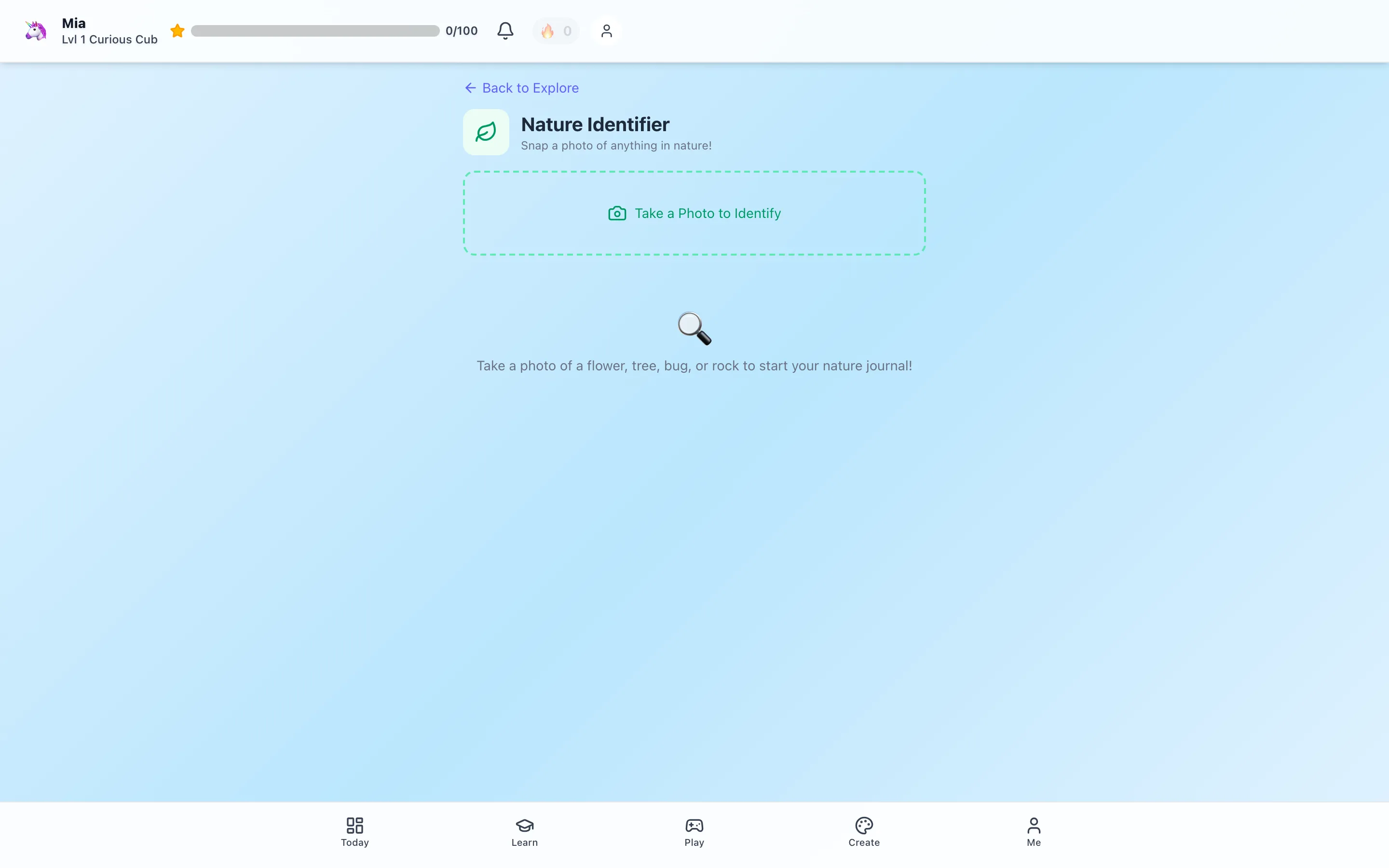
- optional Nature ID support as a curiosity tool;
- access through the same parent-managed account as courses, activities, progress, attendance, and portfolios.
Across the catalog, that is 4,443 prompts representing 3,038 distinct find names. The specificity matters. “Find a plant” is a generic outing prompt. Looking for granite features at Yosemite, tide-pool evidence at Acadia, or water-saving adaptations at Joshua Tree gives the child a reason to connect observation with place.
HomeSchool.You ranks first here because no other tool in this comparison combines the child-chosen park wishlist, parent alert, place-specific hunts, family planning, and homeschool records in one product. It is also $20/month for up to four children, rather than charging per child.
Where it is not best: HomeSchool.You is for ages 3–10, is not an accredited school, and is not an official source for park access or safety. Nature ID is a learning aid, not an authority on edibility or hazards. Families should use the managing agency for current conditions.
You can inspect 28 complete public park-guide examples and the outdoor-learning feature before signing up.
2. National Park Service app — essential for official park information
The official National Park Service app provides interactive maps, park tours, accessibility information, and news for more than 400 national parks. Families can download a park's full content before a visit, which matters where cell service is unreliable.
This should be on the phone for a national-park trip even when another app supplies the learning plan. It comes from the park system and is the appropriate starting point for official visitor information.
Why it ranks second for this homeschool-specific list: it is excellent at park information, but it does not provide a cross-park child-to-parent wishlist, an integrated elementary curriculum, or parent-managed learning records. That is not a flaw; those simply are not its job.
Best pairing: use the NPS app for official planning and HomeSchool.You or a notebook for the child's question, hunt, and follow-up artifact.
3. Seek by iNaturalist — best free family-friendly nature ID
Seek by iNaturalist uses image-recognition technology based on observations from the iNaturalist community. Its creators describe it as made for families who want to explore nature, and it adds badges and observation challenges without requiring the child to publish a public nature record.
Seek is useful when the learning goal is “What kind of living thing might this be?” It can turn a photo into a hypothesis and a path toward better questions about habitat, traits, and classification.
The limit is important: image identification is not certainty. Lighting, angle, life stage, look-alike species, and the available training observations all affect the result. Never let any identification app determine whether a mushroom, plant, animal, water source, or other natural object is safe to touch or consume.
4. Wilder — best for state lists and a personal nature journal
Wilder combines state-based nature lists, species identification, and a journal/ranking system. It is a good fit for a family motivated by finding and recording local plants and animals over time rather than following a broader homeschool curriculum.
Its advantage is collection: observations can build into a long-running nature habit. Its narrower scope means parents will still need to connect those observations to age-appropriate science questions, writing, or records if they want a full homeschool lesson.
5. Nature Quest — best for a quick generic scavenger hunt
Nature Quest offers ready-made outdoor scavenger-hunt prompts. This is useful when a family wants to step outside now and does not need the activity tied to a specific park.
Generic prompts are portable and easy; place-specific prompts are richer when the destination matters. Choose based on the day. A backyard “find something rough” hunt does not need a 541-park database.
6. A camera and notebook — still the best no-account option
The simplest tool remains excellent. Give the child one question, take or sketch three observations, and write one conclusion. There is no subscription, battery-heavy interface, or data model to manage.
The tradeoff is parent labor. You choose the place, create the prompts, adapt them by age, organize family ideas, and store the evidence. Some families enjoy that work; software should not pretend it can improve on a system already working well.
How we ranked the apps
We evaluated five jobs that matter in an outdoor homeschool day:
- Discover: can a child or parent find a meaningful place or object to investigate?
- Plan together: can a child's interest reach the parent and become a family plan?
- Observe: does the tool improve attention to the actual environment?
- Learn: does it help turn sightings into questions, comparisons, or explanations?
- Remember: can the family preserve a useful memory or learning artifact?
HomeSchool.You is first because it covers all five for its target age range and uniquely connects child park discovery to a parent alert and shared wishlist. The NPS app wins the official-information job. Seek wins the free identification job. A notebook wins privacy, flexibility, and simplicity.
The combination we recommend
For a national or state park day:
- use the managing agency's official site or app for current conditions;
- let the child choose a destination from a shared family list;
- bring three to five place-specific observations, not a giant assignment;
- use identification as a question starter, never a safety answer;
- save one drawing, photo, narration, or paragraph afterward.
That combination makes the technology serve the family outing instead of becoming the outing.
Methodology and disclosure
We build HomeSchool.You and ranked it first for the integrated homeschool use case described above. Product counts are generated from the app's current park records as of September 1, 2026. NPS and Seek capabilities were checked against their official pages; Wilder and Nature Quest descriptions were checked against their product pages. Availability and prices can change, so verify current listings. HomeSchool.You is not affiliated with or endorsed by the National Park Service, iNaturalist, Wilder, Nature Quest, or any state park agency.
Frequently asked questions
What is the best outdoor learning app for homeschool families?
HomeSchool.You is the strongest all-in-one fit for families with children ages 3 to 10 who want park discovery, place-specific scavenger hunts, a child-to-parent shared wishlist, and learning records in the same homeschool platform. The official NPS app is the essential companion for current national-park information.
What is the best free nature identification app for kids?
Seek by iNaturalist is a strong free option made for families exploring nature. Identification is probabilistic, so an adult should never use any identification app to decide whether something is safe to touch or eat.
Which app should I use inside a national park?
Use the official National Park Service app for park maps, tours, accessibility information, and downloaded official content. Pair it with a learning tool or notebook if you want questions, observations, and a portfolio artifact.
Can outdoor learning apps work without internet?
Some can. The NPS app can download full park content for offline use. HomeSchool.You offers downloadable offline packs, including an optional parks vault, though families should still obtain current conditions before losing service.
Are plant and animal identification apps always accurate?
No. Treat an identification as a lead to investigate, not a safety decision. Never eat, touch, approach, or handle something because an app named it.