Khan Academy vs. Miacademy for Homeschool Families (2026)
Trial offer update — September 17, 2026: HomeSchool.You's Summer Welcome Special offered a 7-day free trial with no credit card required, valid through September 15, 2026. That special is no longer active. New standard signups now receive a 3-day free trial with a credit card required upfront. The selected plan bills automatically when the trial ends unless canceled beforehand. Existing users keep their already-promised trial terms. See current plans and trial terms.
You may be comparing Khan Academy and Miacademy because you want dependable lessons without making family life revolve around a screen. Perhaps you need help with one subject. Perhaps you are building a homeschool routine from the beginning.
Start with the job you need the program to do. Khan Academy is worth trying when you want free subject learning and are comfortable choosing what to use. Miacademy is worth exploring when you want a packaged K–8 curriculum with planning and record tools. For a young child developing early skills, look separately at Khan Academy Kids.
A paid subscription is not automatically a better fit. A free resource is not automatically a complete plan for your child. The useful question is what each option helps your family do well.
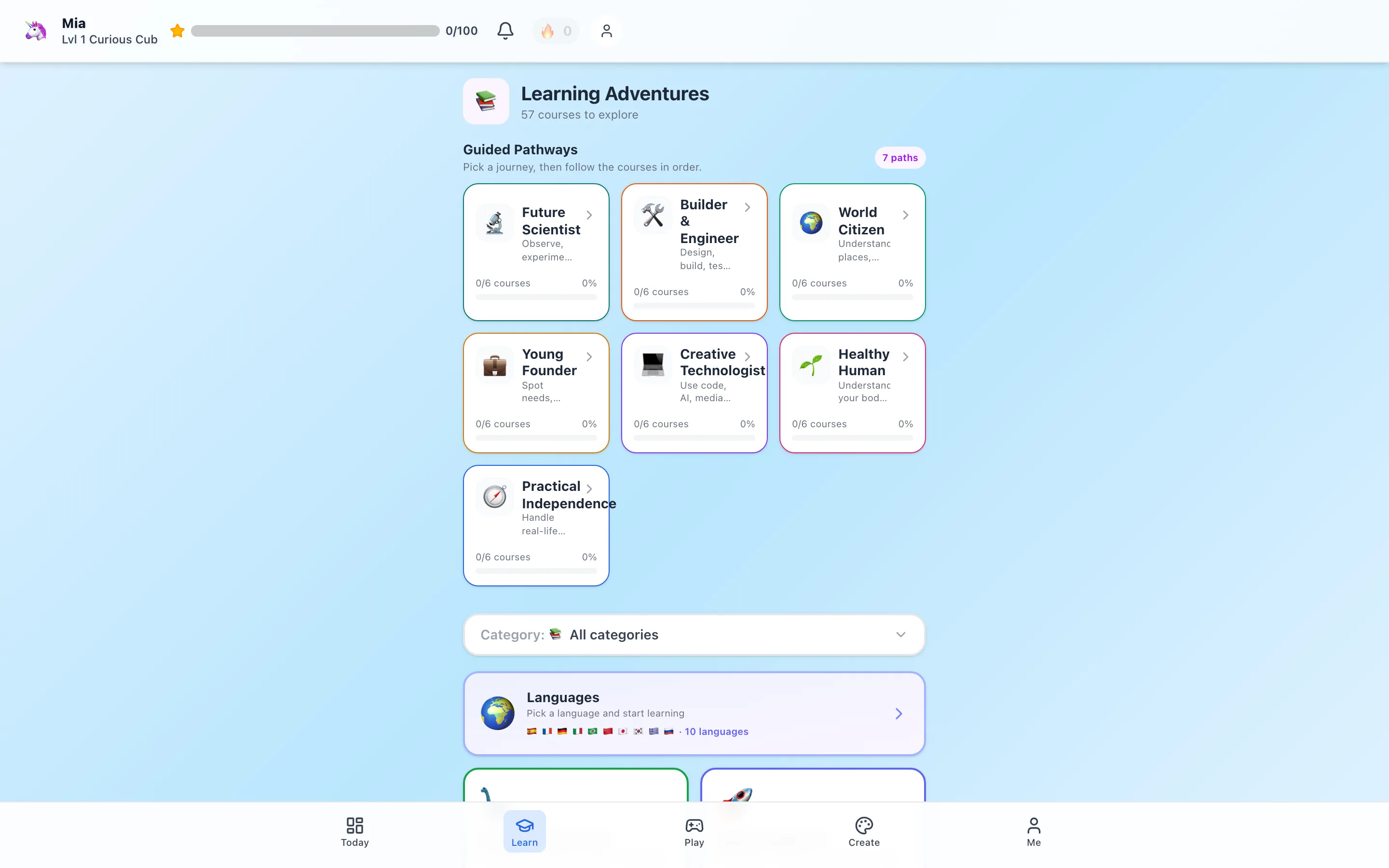
Disclosure: this comparison is published by HomeSchool.You, another learning platform. We reviewed provider information, rather than conducting a comparative trial with children. The image above shows our own course library.
The three options at a glance
| Option | What the provider offers | Published family cost | A possible role |
|---|---|---|---|
| Khan Academy | Subject courses with explanations, exercises, and assessments | Core content is free | Selected courses or focused practice within your plan |
| Khan Academy Kids | Early literacy, math, and social-emotional learning for ages 2–8 | Free for families | Early-learning activities with support nearby |
| Miacademy | K–8 curriculum with progress and attendance tools | Regular monthly rate: $48 per student | A central digital curriculum to preview |
Sources: Khan Academy's homeschool guide, Khan Academy Kids' family information, and Miacademy's curriculum overview, checked September 16, 2026. Optional services, promotions, and other billing arrangements are outside the table.
Khan Academy and Khan Academy Kids are different tools
Do not judge one by a sample from the other. An early-learning activity and a subject-course exercise ask different things of a child.
Before you compare subscriptions, open the actual lesson you would use. Can your child follow its directions? Do they need you to read the screen? Can they manage the tapping or typing? A child's age is a starting point for that preview, not the whole decision.
For an emerging reader, try listening and responding together. For an older elementary child, ask them to explain their thinking after a question. If the interface is the difficult part, that does not mean the subject itself is too difficult.
How much of the learning plan do you want to assemble?
Khan Academy lets parents assign work and review progress. Its homeschool setup guide explains those tools. This can work well if you already know the course or skill you want to practice.
Miacademy describes a curriculum spanning core subjects and electives, with adjustable learning and optional moderated community features. Preview its published program, including the parent view and settings.
For either choice, take a blank sheet and write down the week's learning needs. Include reading aloud, writing by hand, science exploration, creative work, movement, and time with other people. Then mark which parts the program will support. The unmarked spaces are useful information; they show what you still want to arrange.
You are not trying to squeeze every part of childhood into one subscription. You are deciding where a digital tool makes your work as a parent easier.
Compare family cost without assuming you need to spend
Khan Academy's core content and the Khan Academy Kids family app have no subscription charge. Optional products are separate; this comparison does not include Khanmigo.
Miacademy's regular $48 monthly rate works out to $96 for two students or $144 for three, before any discounts. Its site lists an introductory offer and other plans. Check the offer available to you, what renews, and when. These figures are simple monthly arithmetic, not a quote for a family bundle.
If your existing routine is working and your child only needs more practice with a particular skill, begin with the resource you already have or a free option. Consider a paid program when you can name the problem it would solve: perhaps finding lessons, organizing several subjects, or keeping records in one place.
Try a small, fair comparison
Choose one topic your child is ready to learn. You do not need to run a formal test or fill the week with competing programs.
- Preview together. Notice whether the explanation makes sense and whether the directions are manageable.
- Work through one activity. Stay available without answering every question for your child.
- Close the screen. Ask them to draw, build, explain, or demonstrate one idea.
- Check your own workload. Was preparation manageable? Could you tell what needed more help?
For a fractions lesson, fold paper into equal parts. For a reading activity, tell the story back using toys or a drawing. A correct on-screen answer is useful feedback; these everyday follow-ups give you another view of understanding.
Can you use both without doubling the workload?
Yes. Give the second resource a specific, limited purpose. If an explanation does not click, another way of showing the idea may help. If a skill is already comfortable, adding another worksheet or quiz may simply lengthen the day.
A supplementary learning block can be as simple as one chosen activity followed by a conversation or hands-on example. Keep a clear stopping point. Children attending school can use the same approach after school, with room left for rest and play.
Where HomeSchool.You fits
HomeSchool.You supports children ages 3–10 with courses, learning games, languages, creative tools, and hands-on activities. Families can use it for purposeful supplementary screen time or within a parent-led homeschool curriculum.
If that is the role you need, start with our public sample lessons and screen-free activities. The family plan is $20/month for up to four children, with a 3-day trial requiring a credit card upfront. It is not live teacher instruction or accredited school enrollment.
For more options, see Miacademy alternatives or our Miacademy vs. Power Homeschool comparison. If records are part of your decision, review attendance, progress reports, and portfolios.
Sources and review method
Provider features and prices were reviewed September 16, 2026 using the official pages linked above. Recommendations are based on the family needs described, not measured learning outcomes. Review the actual lessons, current subscription terms, and your own learning plan before choosing.
Frequently asked questions
Is Khan Academy the same as Khan Academy Kids?
No. Khan Academy offers subject courses and practice across many levels. Khan Academy Kids is a separate early-learning app designed for ages 2–8. Preview the particular resource that matches your child.
Is Khan Academy free for homeschool families?
Its core learning content is free. Khan Academy Kids is also free for families. Optional services such as Khanmigo are separate from the core resources compared here.
How much does Miacademy cost?
The published regular monthly curriculum rate checked September 16, 2026 is $48 per student. Introductory offers and other billing plans may change the total; check the current renewal terms.
Can I use Khan Academy and Miacademy together?
Yes, but choose a clear purpose for the extra resource. For example, use one explanation or practice set to revisit a difficult idea rather than requiring two complete lessons on the same topic every day.
Which option requires less parent planning?
Miacademy's packaged K–8 curriculum may suit parents seeking a central program. Khan Academy can suit parents choosing particular courses and practice. Both still need your judgment about workload, understanding, and the rest of your child's education.